Context Menu
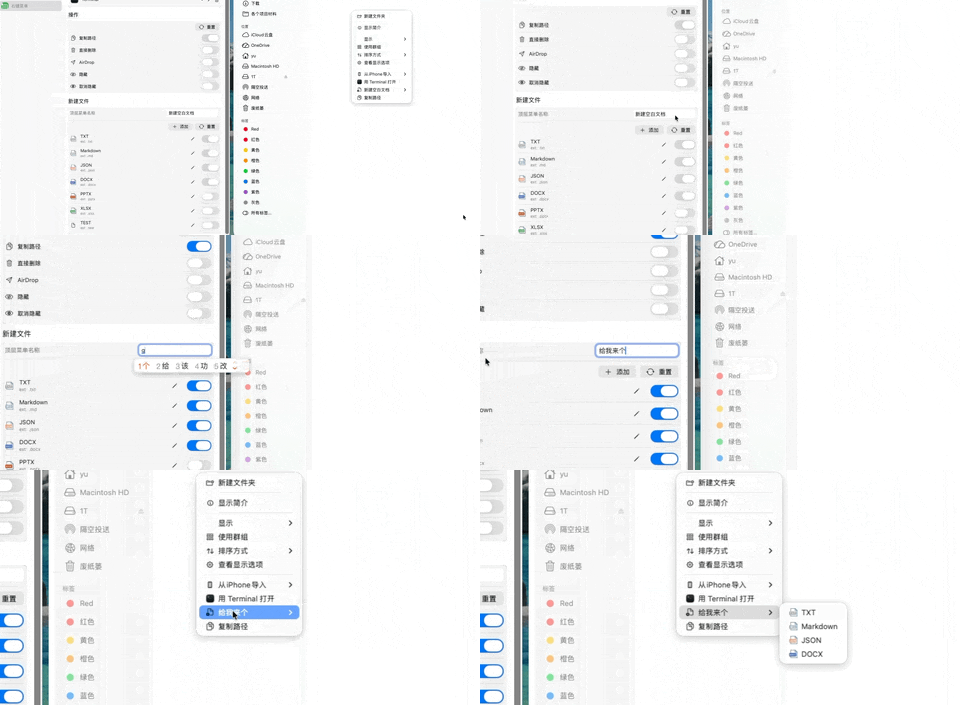
Supported Features
Apps
You can click Add here to add the Terminal app from Utilities, enabling a menu item similar to Windows' "Open Terminal Here".
Feel free to explore more apps on your own.
Actions
Use the Delete Directly feature with caution — it will permanently delete all contents of the selected folder without any confirmation prompt.
New File
Troubleshooting
- The Finder Extension must be enabled. Go to System Settings → General → Login Items & Extensions → Extensions → Added Extensions → Finder Extensions and make sure MagicToy is turned on.
- MagicToy must be installed in the Applications folder.
- After an update, if the menu is missing, run the following commands and restart your Mac:
pluginkit -mAvvv -p com.apple.FinderSync -i com.eusoftbank.mactoys.FinderSyncExt
pluginkit -r "/Applications/MagicToy.app/Contents/PlugIns/FinderSyncExt.appex"